
Let people know when you're offline during an unexpected outage.
Proxigenta: Peace of mind for remote workers and remote teams.

Automatically reach out to key contacts and protect your reputation when connectivity fails.
Don't let your team, stakeholders, or customers
think they're being ghosted.
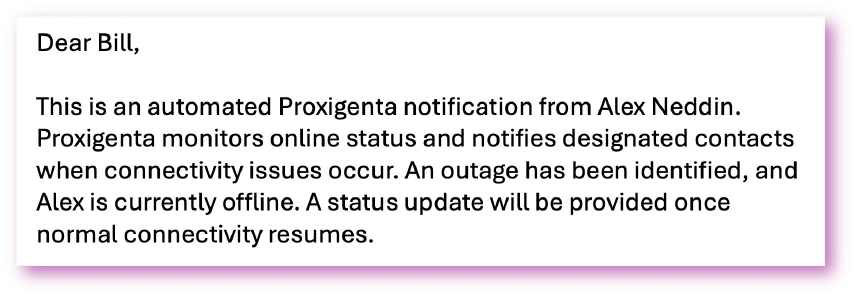
What it looks like
A small agent lives in your menu bar and checks in quietly. If you drop offline, your action plan runs and the web app shows exactly who has been told, and what happens next.
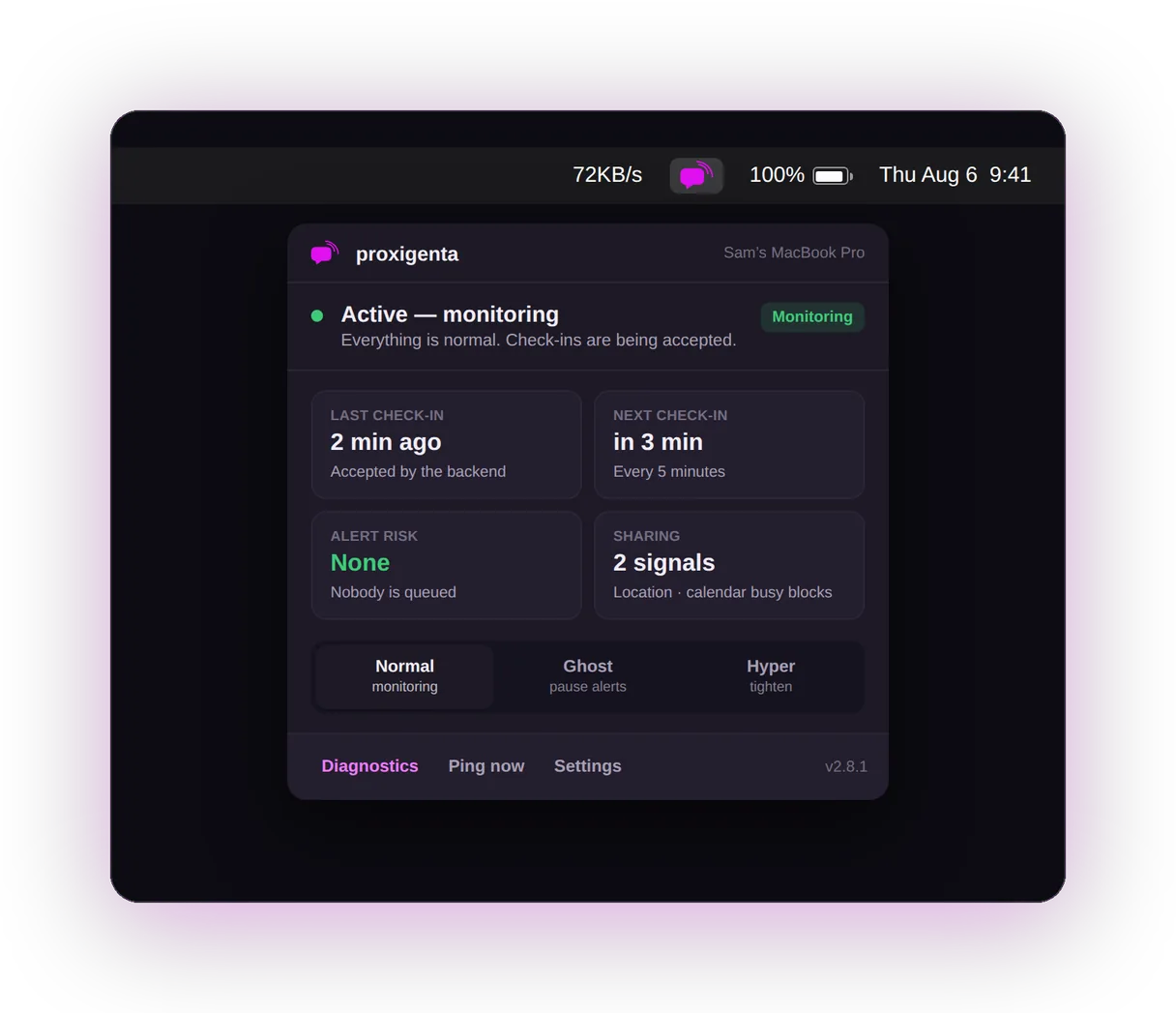
The Mac agent: your status, next check-in, and Ghost or Hyper one click away.
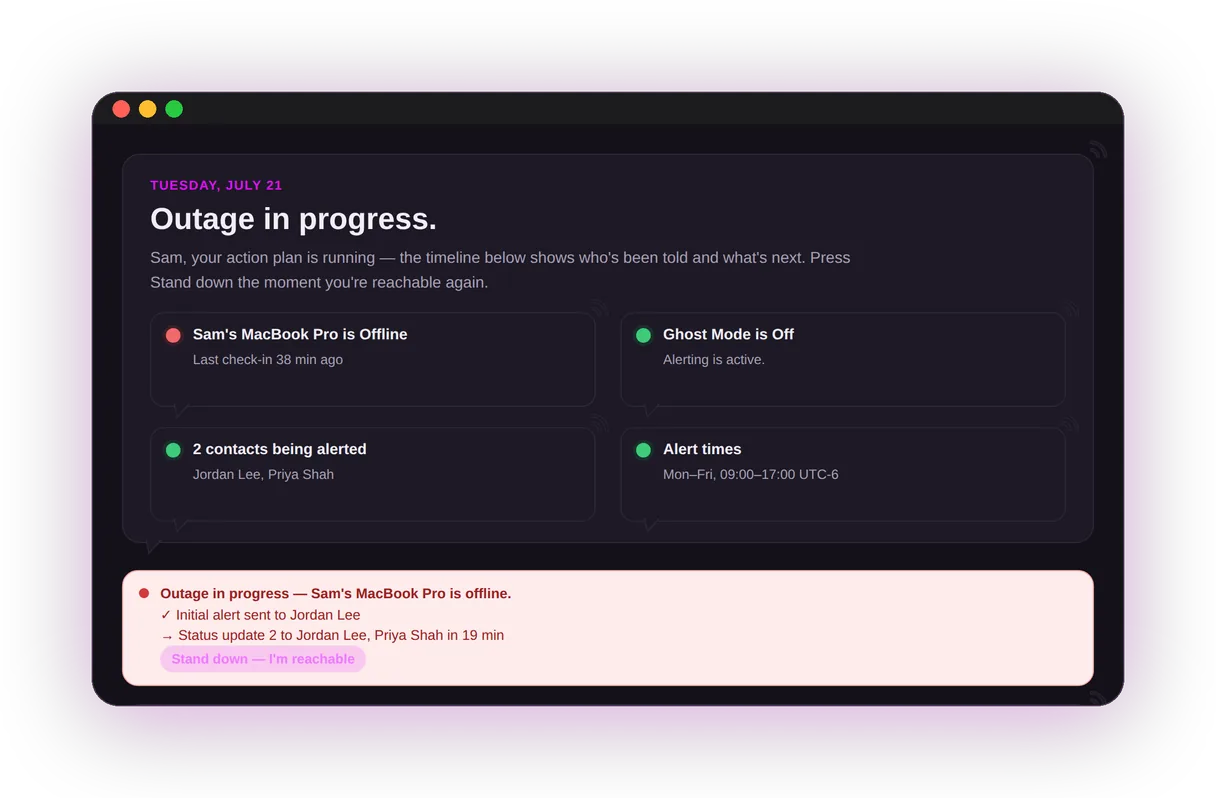
The web app during an outage: who has been told, what is next, one button to stand down.
CREATED BY REMOTE WORKERS, FOR REMOTE WORKERS
Proxigenta was built by digital nomads who have worked from dozens of countries and learned the hard way that reliable internet is never a guarantee. One outage struck right before a round of important meetings—a rural area, no mobile service, stakeholders waiting, and no way to explain the silence. That helpless moment (and a few choice words aimed at the router) became the reason proxigenta exists: a way to reach out when you can't.
Keep exploring and stop worrying!
Personalized Messaging
Notify your key contacts when your connection falters.
Seamless Monitoring
Our system checks your connection 24/7 and responds when you need it.
Key Contacts
Choose who gets the heads-up, ensuring the right people are always in the loop.
Custom Send Schedules
Choose when messages go out, how frequently, and in what order.
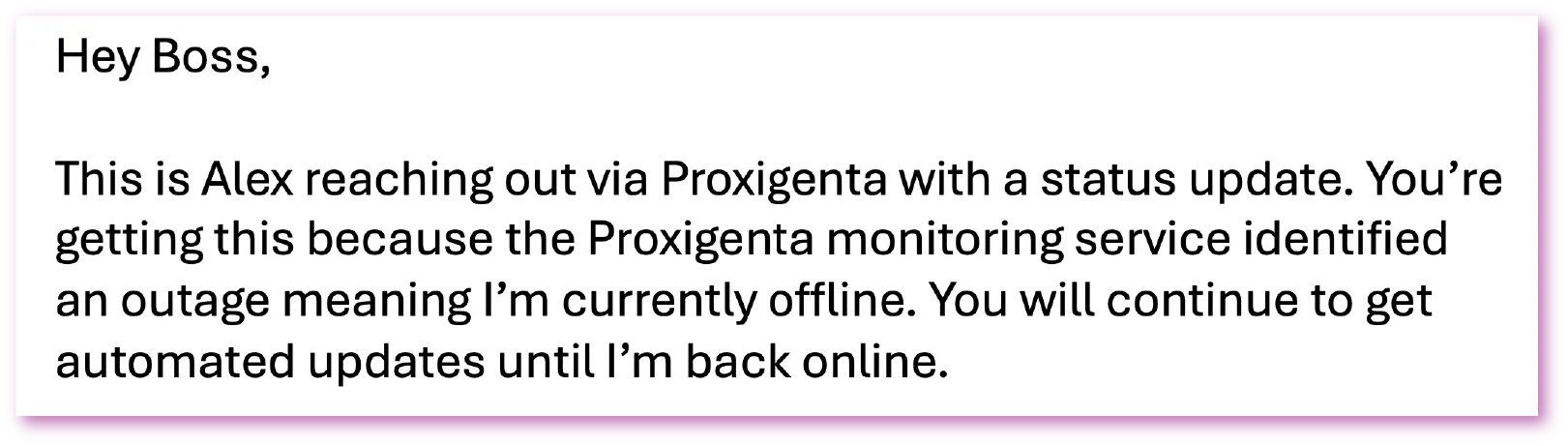
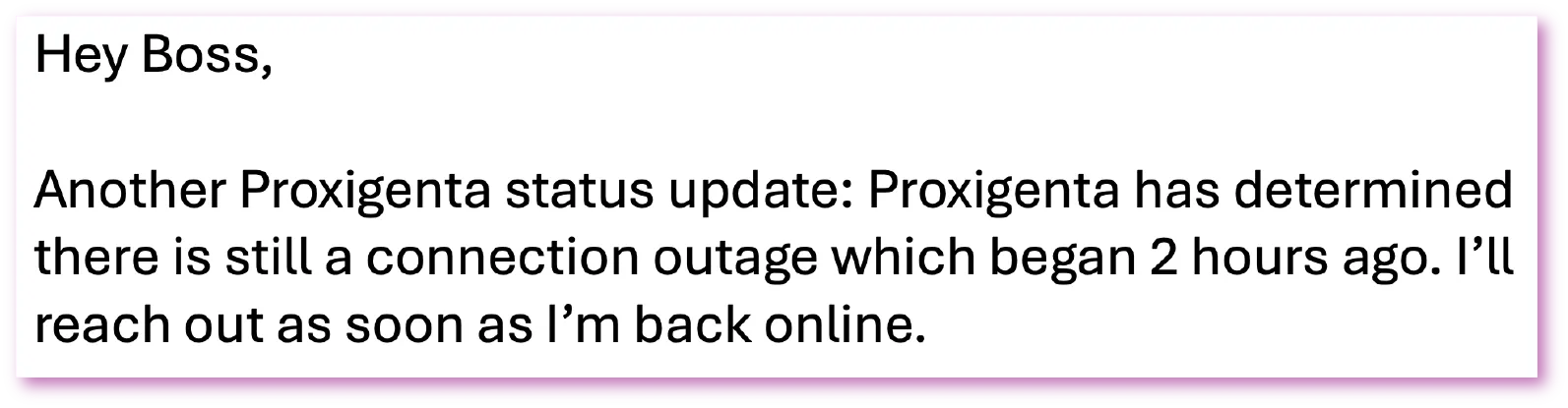
And It's Not Quantum Psychics!
Create a proxigenta account.
Install the proxigenta agent on your Mac, Windows, or Linux computer.
Configure your rules, contacts, and message contents.
Lose your internet... not your job!
Secure Reliability to Protect Your Credibility
Privacy, Isolation, and Data Protection
Authenticated sending with SPF, DKIM, and DMARC to reduce spoofing and phishing risks, and help ensure message deliverability.
Dedicated sending domain separating critical notifications from admin or marketing traffic.
Reply-To routing so replies go straight to you (not proxigenta) minimizing accidental data sharing from recipients.
Memory-safe, isolated core architecture designed to reduce vulnerabilities and undefined-behavior risks.
Focused data collection: device check-in signals, your contacts' email addresses, and your message content. The Privacy Policy lists every category we handle.
No account access: no OAuth usage for Google or Microsoft accounts, and no browser extension permissions.
Rate limiting, backoff, and retry logic to prevent throttling, notification floods, and missed notifications.
No browsing history, no screen contents, no message scanning, and no Wi-Fi network names. Optional extras like a coarse region note stay off by default.
Send updates.
Even during an outage.
Status
Coming Soon
A public status page that vouches for you: the zero-commitment on-ramp.
Public status page with a regeneratable private link
One monitored device with background check-ins
Email-signature badge to share your status anywhere
Recent activity snapshot
Action
Coming Soon
Your complete safety net: contacts, action plan, availability rules, and phone push.
Background monitoring
Email + phone push notifications (via the web app)
Explicit opt-in contacts
Customizable messages and escalation tiers
Online-hours scheduling and Ghost mode
Manual alert trigger
Personal status page and 30-day history
Pro
Coming Soon
Everything in Action + Hyper Mode, multiple devices, and advanced escalation.
Hyper Mode: zero-delay alerting, on demand or scheduled
Up to 5 monitored devices and 50 confirmed contacts
Full five-stage action plan
Different recipients and timing per escalation stage
Priority support