Connecting Make, n8n, Zapier, or Power Automate
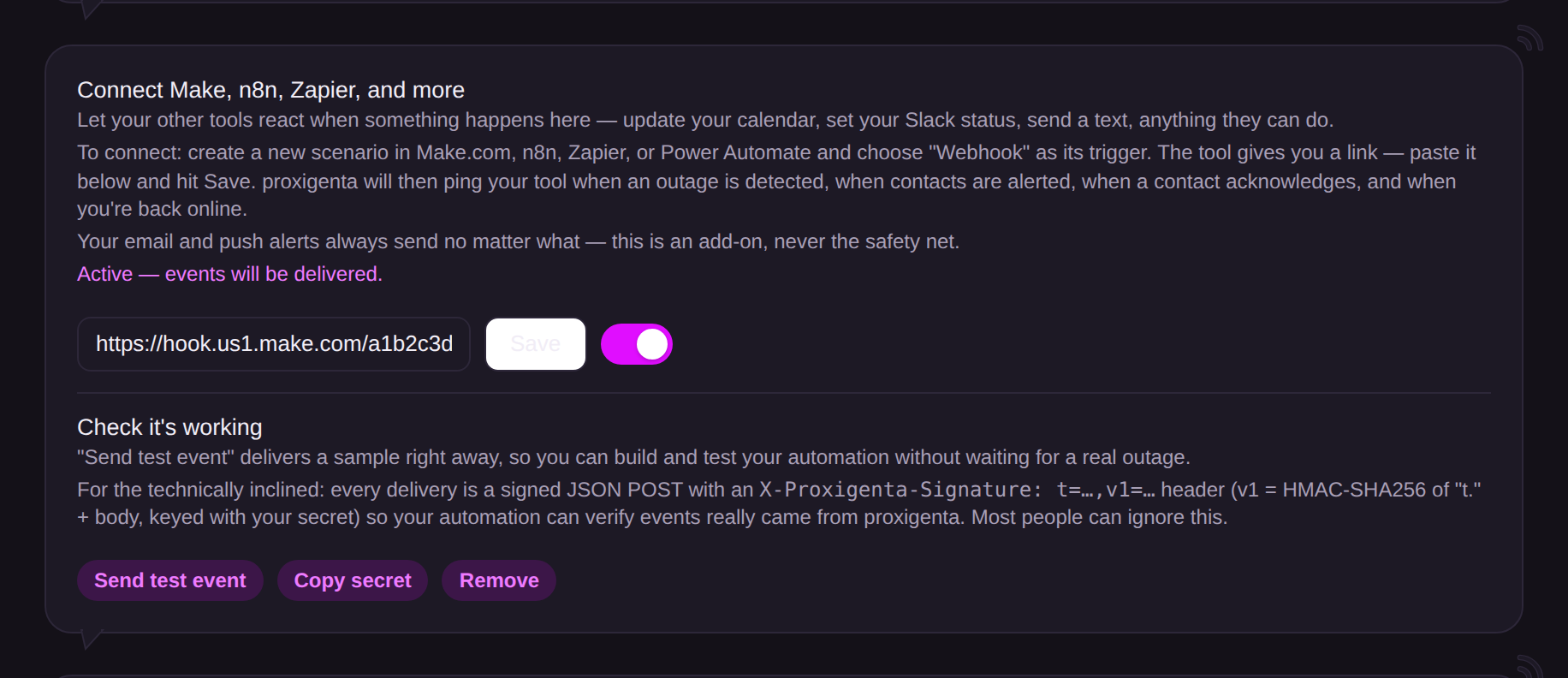
Create a webhook-trigger scenario in your automation tool, paste the URL it gives you, hit Save, then Send test event.
The recipe is the same everywhere:
- In your automation tool, create a new scenario or workflow and pick Webhook as the trigger. The tool gives you a URL.
- Paste that URL in proxigenta's Integrations section and hit Save.
- Click Send test event, and build your automation against the sample it delivers.
Tool notes:
- Make.com: webhook triggers fire instantly and work on the free plan (1,000 operations a month). The easiest no-code start.
- n8n: free if you self-host; instant webhooks; the choice for tinkerers and privacy-focused setups. Activepieces is a similar open-source option.
- Zapier: webhooks require a paid plan (they are unavailable on Free). Fine if your team already pays for it.
- Power Automate: the natural fit inside Microsoft 365 shops; HTTP-trigger flows are a premium connector.
Good first automations: set your Slack status when you go dark, text yourself on recovery, or log outages to a sheet.