How contact invites and consent work
Contacts must confirm before they are ever alerted. Forward the invite link personally: it converts far better than a cold email.
Proxigenta never emails anyone out of the blue. When you add a contact, they start as pending and must confirm before they can ever be alerted. This explicit opt-in protects your contacts from surprise emails and protects deliverability for everyone.
When you add a contact you get an invite link. You have two options:
- Forward it yourself (recommended). A personal message from you (“I'm setting up an outage alert service; can you confirm here?”) converts far better than an automated email from a service they have never heard of.
- Send for me. Proxigenta sends a branded invite with a confirmation link and a decline link.
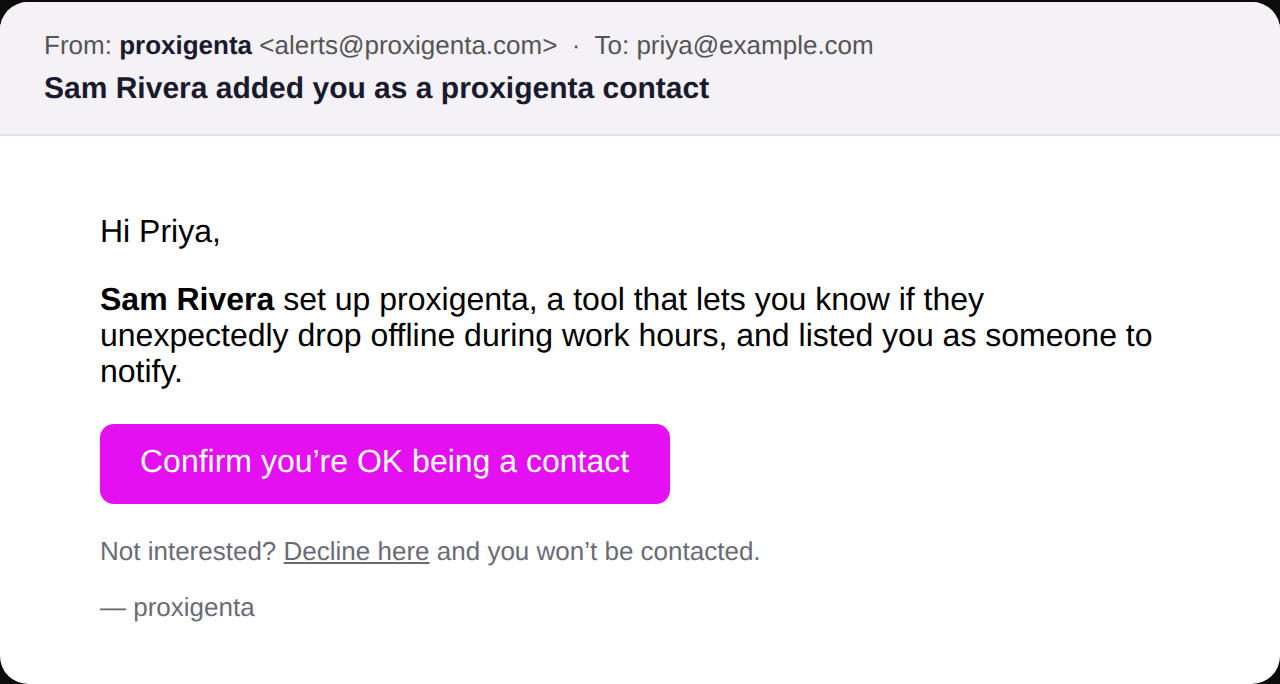
The confirmation page shows your contact exactly what they are agreeing to: occasional outage notices about you, nothing else, unsubscribe anytime. Once they confirm, their status flips to confirmed and they become alertable.

Invite links expire after 72 hours; you can mint a fresh one from the People section anytime.