Multiple devices, renaming, and removing
Each enrolled device is monitored independently; rename them for clarity and remove them cleanly when retired.
You can enroll more than one Mac, and each is monitored independently: its own check-ins, its own threshold timer, its own outage timeline. Contacts' alert messages name the device (that is the {device_name} variable), so give devices recognizable names.
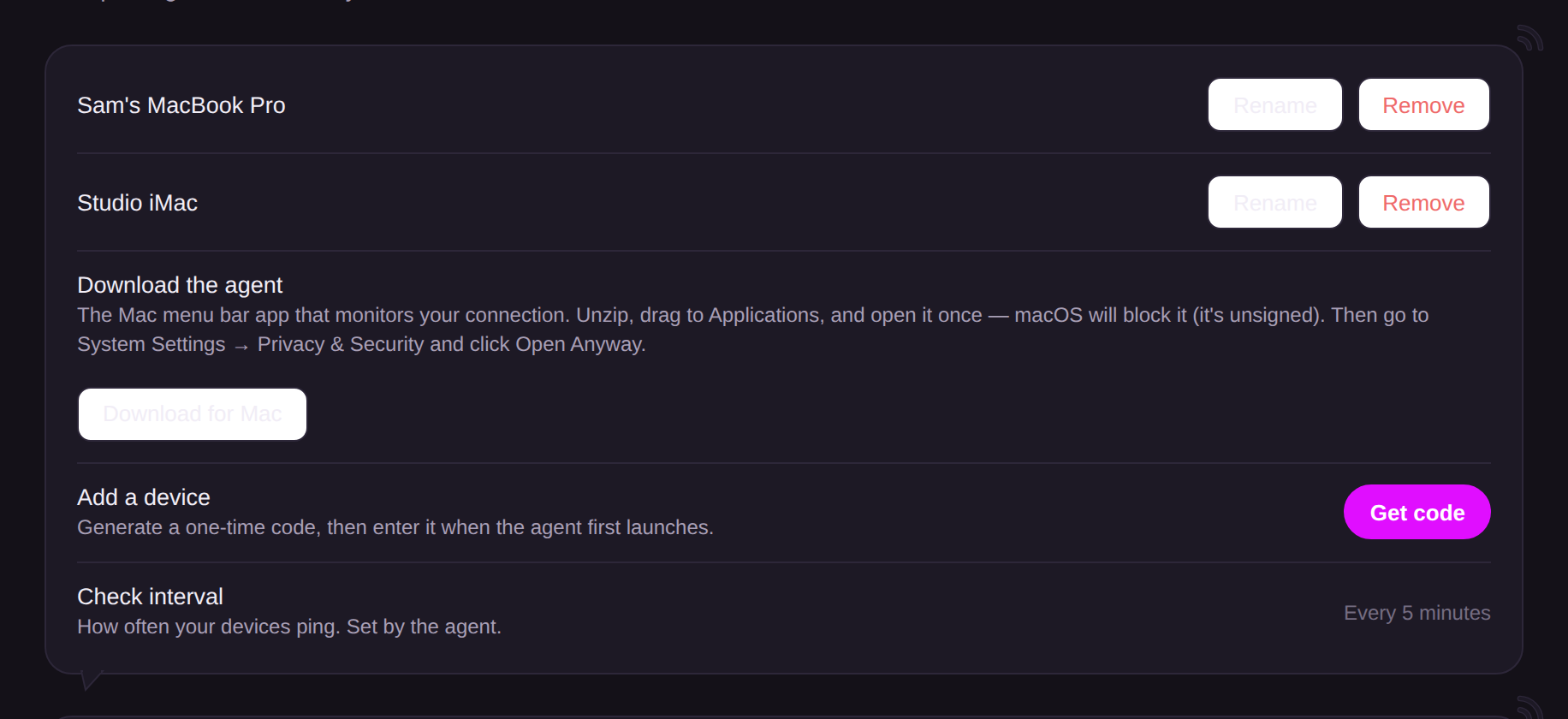
- Rename: Devices section, next to the device. Takes effect immediately in future messages.
- Remove: stops monitoring instantly and disconnects that device's agent; quit or re-enroll the app on that Mac afterwards. If the device is removed mid-outage, contacts who were alerted receive the all-clear automatically, so nothing dangles.
Note that alerts fire per device: if your desktop stays online while your laptop goes dark past its threshold, that is still an outage for the laptop. Size each device's threshold to how you actually use it.