Online hours: only monitor when it matters
Set per-day monitoring windows in Availability so a quiet Saturday is not an incident; ghost mode time blocks and holiday calendars live there too.
By default proxigenta monitors around the clock; the Availability page shows a magenta “Notifying 24/7” note when that is the case. If offline evenings and weekends are normal life rather than incidents, turn on “Only monitor during my online hours” and set a window per day.
How it behaves:
- Each day has its own on/off toggle and start and end times, measured in the time zone you pick. Overnight windows (start later than end) are supported.
- Outside your hours, silence is expected: no outage is declared, nobody is alerted.
- An outage that starts inside your hours still escalates normally.
One caveat to weigh: outside your hours proxigenta is deliberately blind, even to a real emergency. If your reason for using proxigenta is safety rather than professional availability, consider leaving monitoring on around the clock and using sleep awareness and thresholds to keep it quiet instead.
Scheduled time away
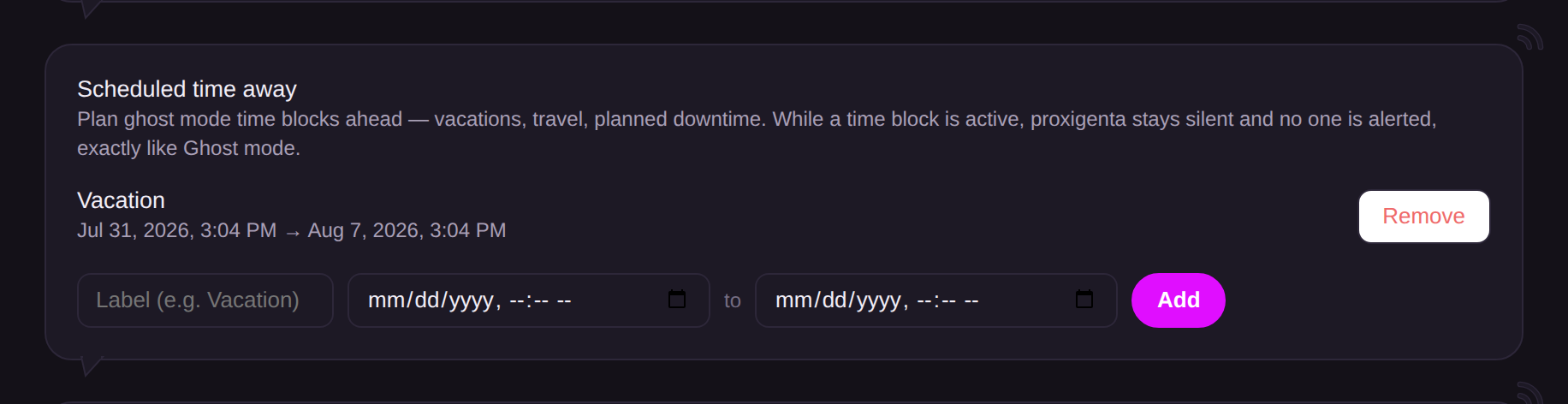
Below the daily grid, you can plan ghost mode time blocks in advance for vacations, travel, or planned downtime. Give each time block a label plus a start and end (up to 90 days per block, 20 blocks ahead). While a time block is active, detection and alerting stand down exactly like Ghost mode, the section shows an active-now note, and finished blocks clean themselves up automatically.
Holidays
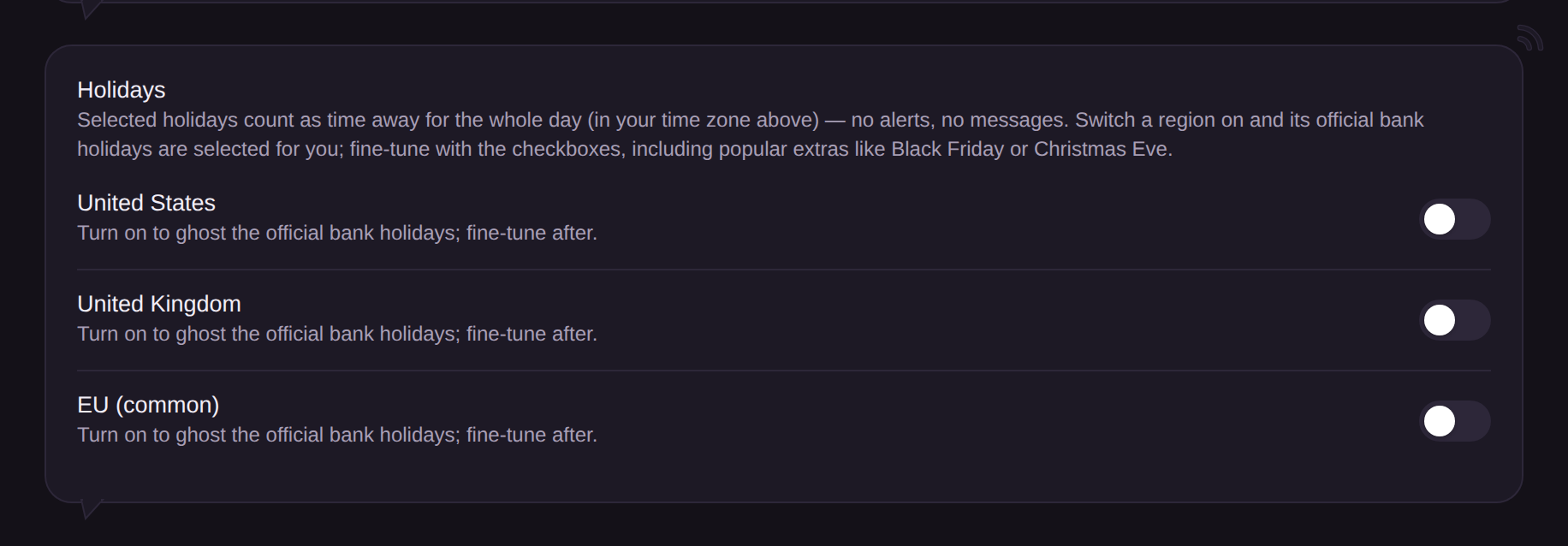
Switch on a region (United States, United Kingdom, or EU) and its official bank holidays are selected for you; fine-tune with per-holiday checkboxes, including popular extras like Black Friday, Christmas Eve, and New Year’s Eve. A selected holiday counts as time away for the whole day in your schedule’s time zone, using observed dates: when July 4 lands on a Saturday, the quiet day is the Friday it is observed. Dates are computed by rule each year, so there is nothing to maintain; turning a region off remembers your picks, and turning it back on restores them.