Setting your region and why it helps
With a region set, alerts can say the outage looks like part of a major or regional event, backed by our event and outage monitoring.
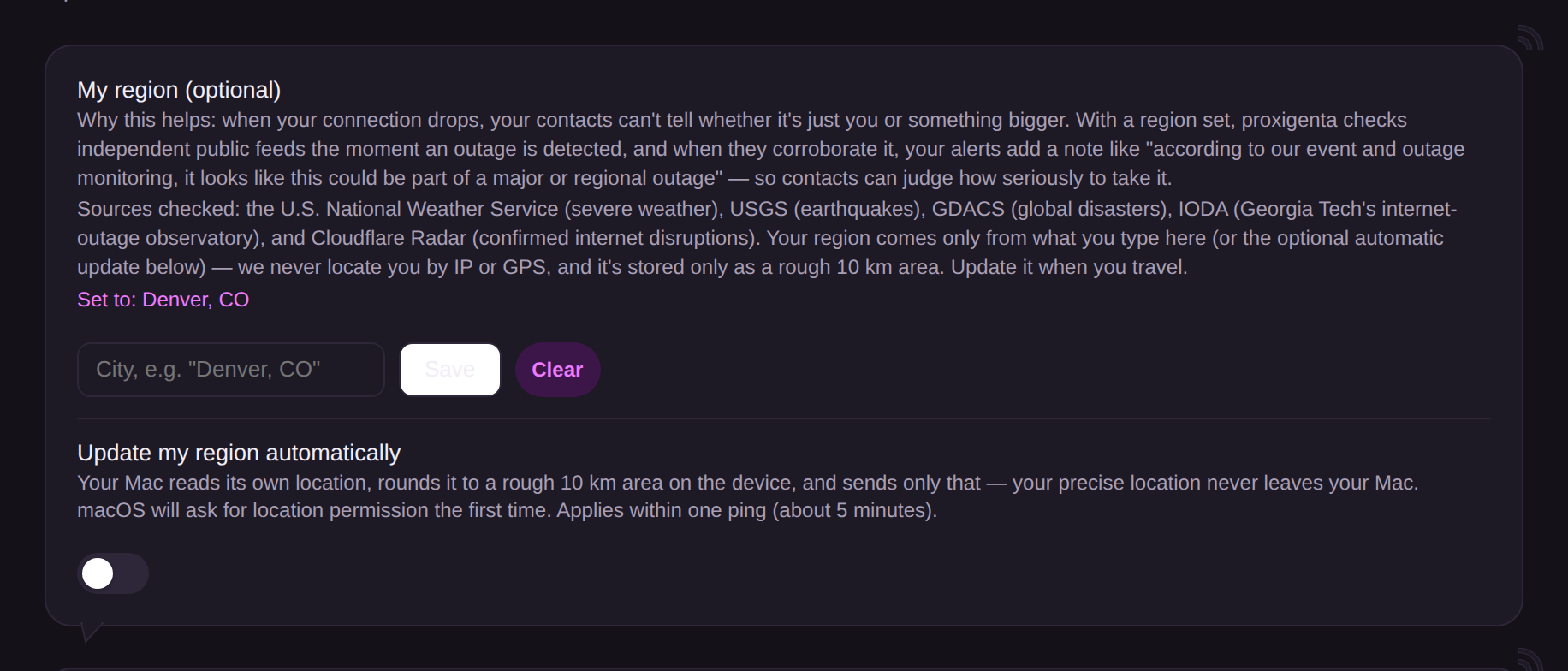
When your connection drops, your contacts face one question: is it just you, or something bigger? A region answers it. With a region set, proxigenta checks independent public feeds the moment an outage is detected, and when they corroborate it, your alerts add a note like: “according to our event and outage monitoring, it looks like this could be part of a major or regional outage.”
Set it in Integrations, under My region, by typing a city (“Denver, CO”), or turn on automatic updates and your Mac keeps it current as you travel.
Per-message control lives in each message’s editor in your Action Plan: the region note can be off, vague (“a wider event,” no place named), or named area. The phrasing is tiered by evidence: strong corroboration earns the confident sentence; a single circumstantial event only gets “may be related.” Proxigenta never words a note in a way that would make a contact stand down on thin evidence.