Stand down: ending an outage yourself
One button marks the device online, clears the outage, and sends the all-clear to anyone who was alerted.
When the dashboard shows a device offline, an outage banner appears with a “Stand down” button. Pressing it does everything ending an outage should do:
- The device is marked online and all outage state is cleared.
- Your action plan stops; no further messages send.
- If contacts were already alerted, they receive the back-online all-clear automatically.
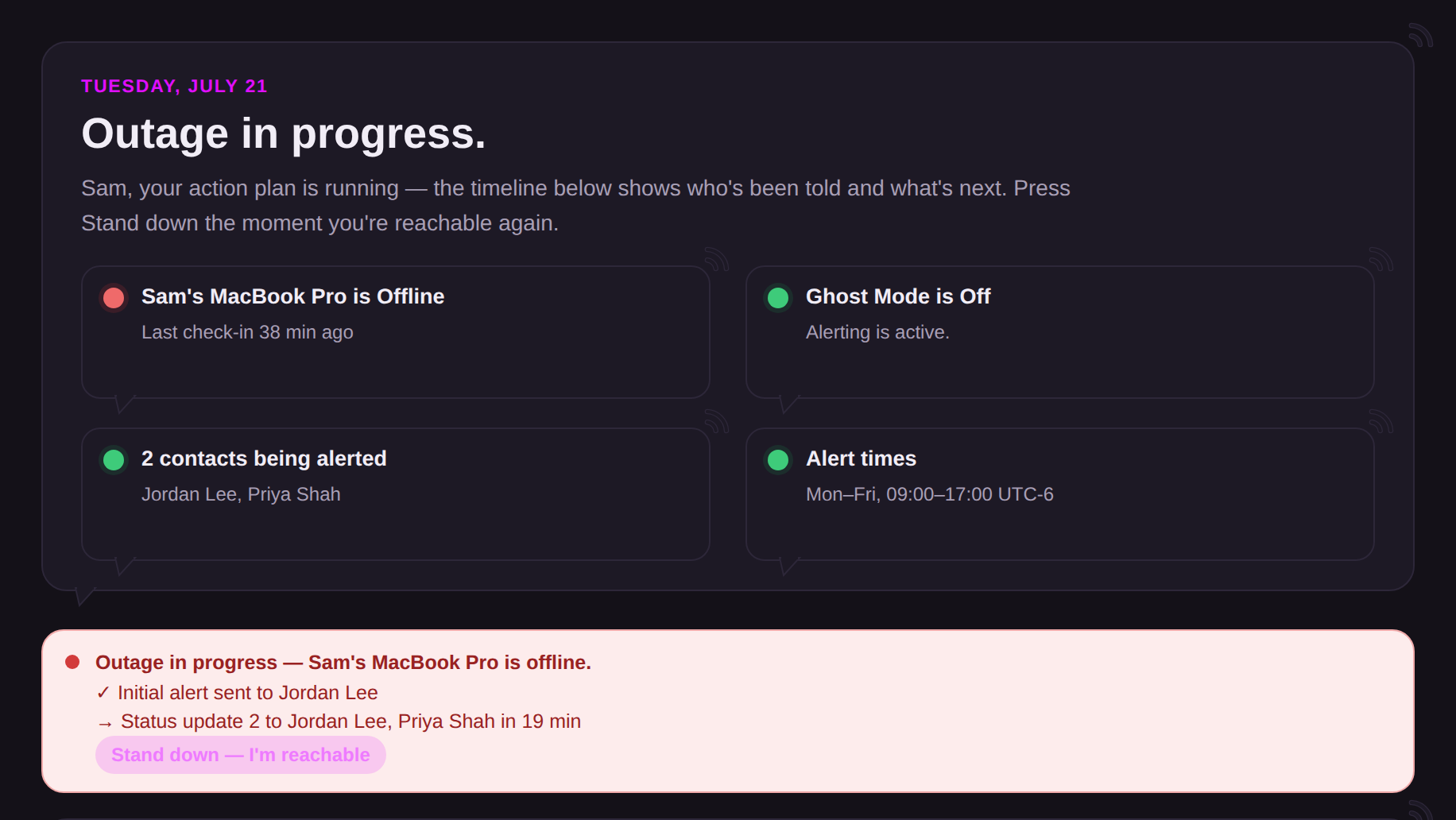
Stand down is the in-app equivalent of the I'm-online link from the check-in email; use whichever is closer to hand. Both work at any point in the outage, before or after contacts were alerted.
Note that stand down resolves the current outage; it does not pause future monitoring. If the device stays silent past the threshold again, a new outage is declared with a fresh timeline. If you want quiet, that is Ghost mode's job.