Contact statuses: pending, confirmed, unsubscribed
Only confirmed contacts are ever alerted. The settings app warns you loudly when someone has not confirmed yet.
Every contact has a status, and it controls one thing: whether they can be alerted.
- Pending: invited but not yet confirmed. They will NOT be alerted, even in a real outage. The dashboard shows an amber banner when this is the case, so it never surprises you.
- Confirmed: they accepted the invite. Fully alertable.
- Unsubscribed: they opted out, either from an alert email's unsubscribe link or by declining the invite. They will not be alerted again unless you re-invite them and they re-confirm.
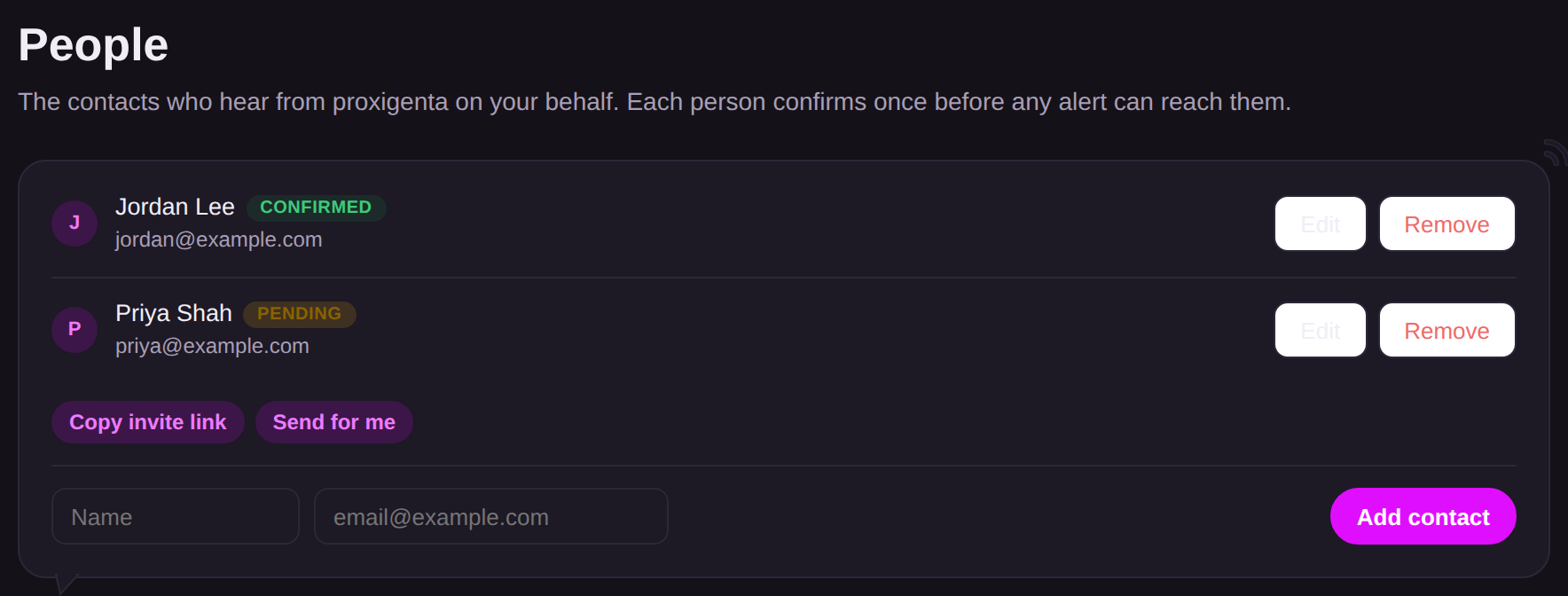
Changing a contact's email address resets them to pending with a fresh invite, since consent belongs to the person at that address.
One honest caveat: if all your contacts are pending, an outage alerts no one. Proxigenta will still email you the check-in, but your action plan stops there. The Overview status tiles count only confirmed contacts for exactly this reason.
